
See the fleet
Review the map, site information and alert summaries in abela.io.


See connectivity, hardware and IT status across your fleet. Find the vessel that needs attention and coordinate the next step from shore.
Book a walkthrough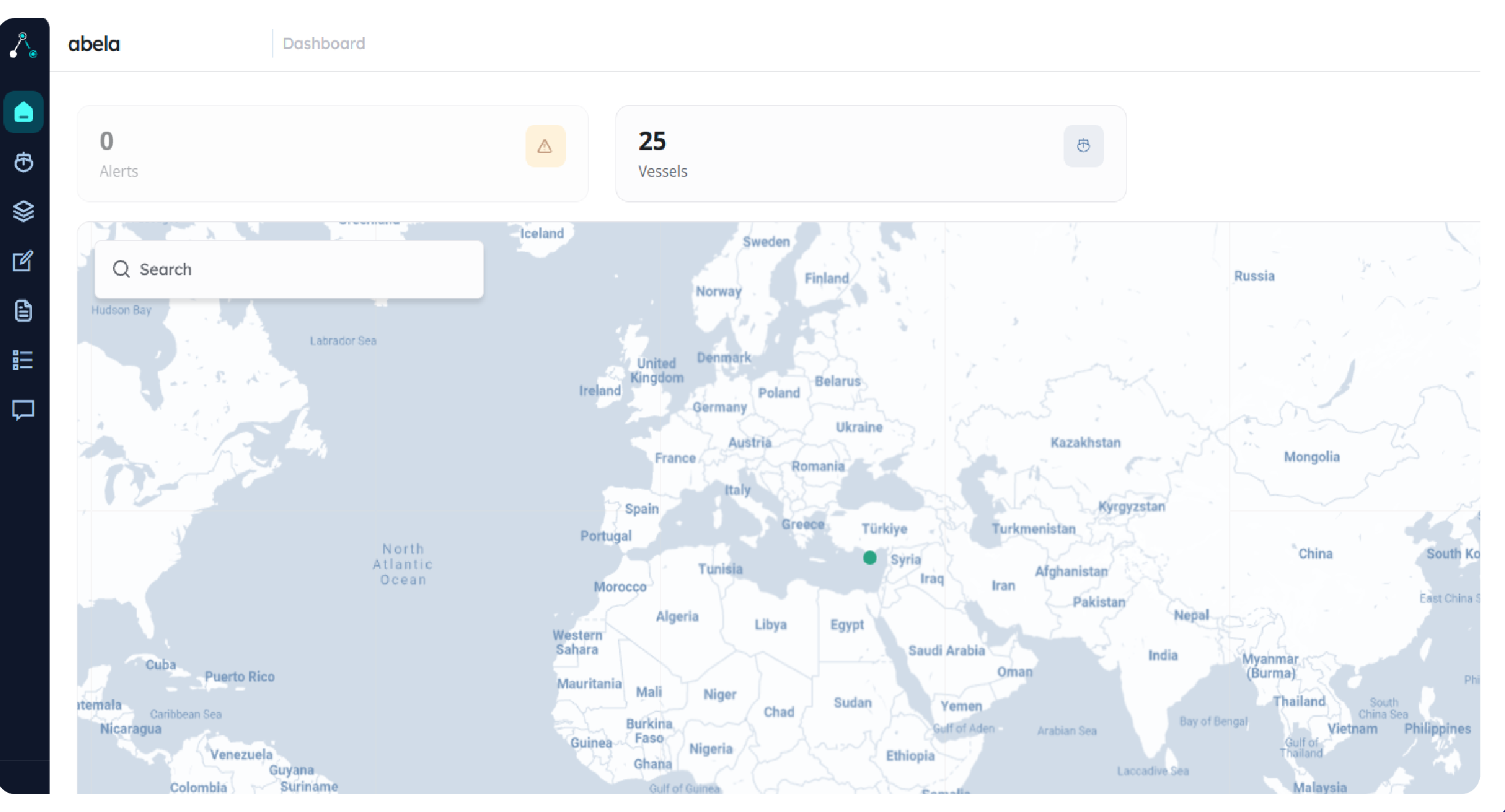
The map places the vessel and site overview in its geographical context.
Capabilities
Sites and alert summaries sit alongside the fleet map, and site search locates the vessel or operation you need to review.
Vessel connectivity, ICT hardware health, cybersecurity monitoring and IT application status are brought into one fleet overview.
Review connected systems and manage the fleet information and services available in your deployment.
Support requests and fleet-wide reporting are handled in the same portal as the status behind them.
A useful fleet view
Explore the information sources, status updates and support handoffs your shore team needs.
Choose a vessel and identify which installed systems supply its connectivity and ICT information.
Confirm what is included in your deployment and what remains in another system.
Review how the selected views communicate the age of information when a vessel’s connection changes.
A last received status should not be mistaken for a fresh reading.
Follow one issue from the fleet view to the affected site, then to the person responsible for investigating it.
Agree the handoff to support and the records your shore team needs.
Connected services
Connect the fleet view to the people and systems behind it: Pulse on board, Zwana infrastructure and managed IT support.
Plan your deployment
Connect the information your shore team needs. We’ll agree the sources, fleet structure and responsibilities before rollout.
Start with the sites, asset information and reporting your shore team needs. One Net will review the available sources and configuration with you.
No. abela.io is designed for shore-side fleet visibility. Pulse is the vessel-facing portal for captains and onboard teams.
Your fleet structure, the information you currently use and the decisions you need the overview to support.
One Net reviews the available sources on each vessel and confirms which connectivity, hardware, security and application information can be brought into the overview.
Vessels, sites and the shore teams responsible for them are established during configuration, so the overview reflects how your operation is actually run.
Talk to One Net
Choose a vessel and show us the information your team uses today. We’ll walk through how abela.io can bring it into the fleet view.
Book an abela.io walkthrough