
abela.io
Fleet-wide visibility for shore teams across connectivity and ICT.

One Net solutions / Software
Fleet visibility for shore teams. An onboard portal for captains and crew. Secure file storage for the vessel. Each application has a clear operational role.
Talk to an expert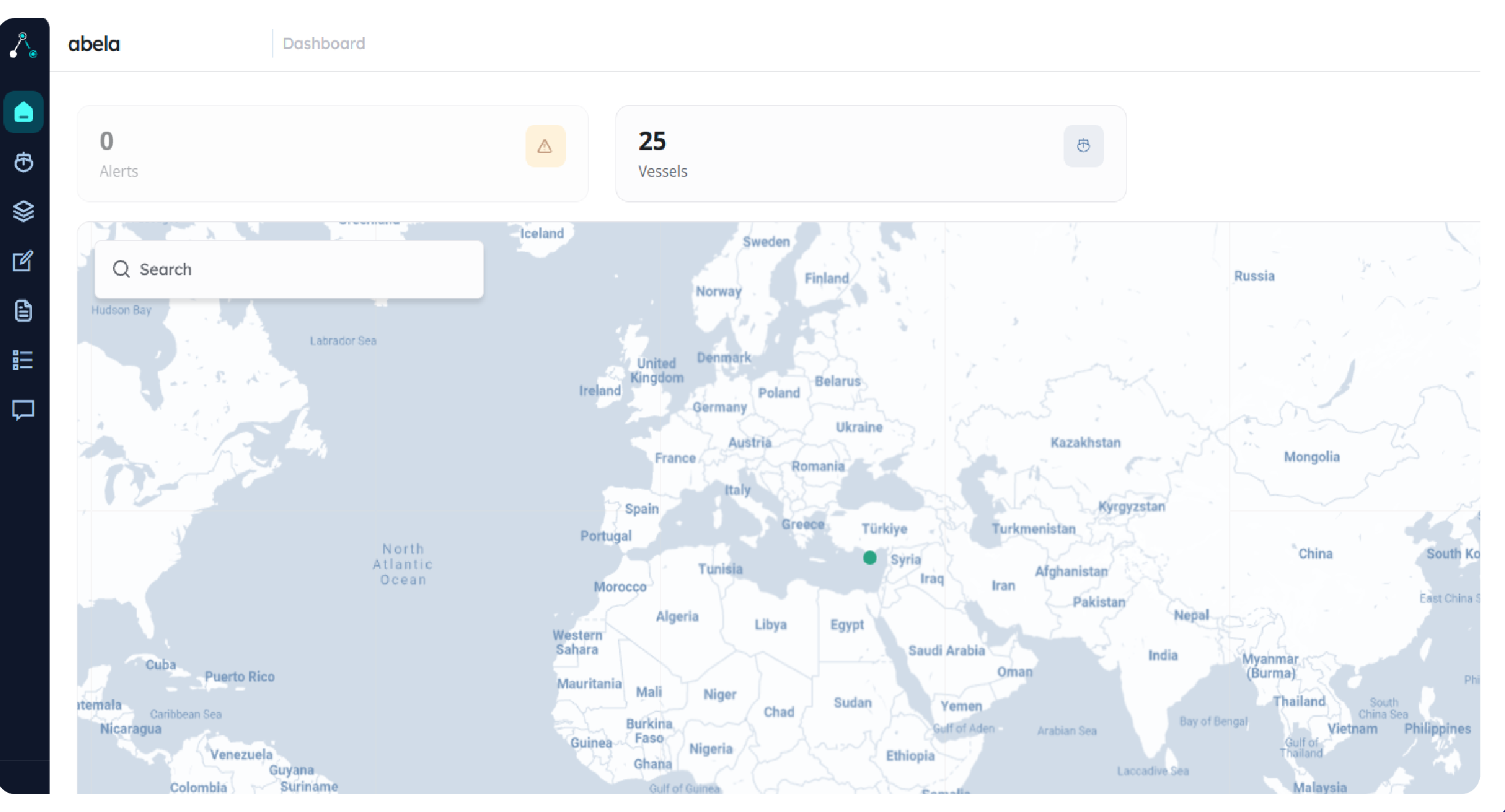

Designed for maritime operations
Shore teams need the fleet picture. Captains need the vessel’s context. Document owners need controlled access to files. One Net’s software portfolio separates these jobs clearly and connects them to the wider ICT environment.

Fleet-wide visibility for shore teams across connectivity and ICT.
The onboard captain portal for vessel operations and crew welfare.
Secure vessel-facing file storage with authentication and an audit trail.
Ship-to-shore email for vessel and office teams.
Security monitoring and incident response coordination through Sentrify.
Individual crew accounts, data allowances and usage tracking, managed from shore through abela.io.
The shore-side perspective
abela.io brings site information and operational context together for the teams overseeing the fleet.
Explore abela.ioInside the service
Ship-to-shore email has its own requirements: limited bandwidth, intermittent links and administration across several vessels. One Net’s published software portfolio includes Dualog Mail and GTMail alongside the abela applications and Zwana onboard services.
Dualog Mail provides maritime email with central administration from shore and support for commonly used email clients. One Net’s published offering includes unlimited user accounts per vessel; confirm licensing and the service configuration in your proposal.
GTMail uses store-and-forward delivery and attachment optimisation to support email over satellite links. Shore administration includes audit and quarantine functions, with central management across domains.
The Zwana software suite adds Internet Café, VoIP, telemetry and Data Analysis. These serve different jobs from the abela applications: allocating crew access, carrying voice calls and understanding the use of the vessel’s network.
abela.io provides the fleet perspective for shore teams. abela Pulse gives captains and crew an onboard view of digital operations, with onboard status and support access. abela Drive provides secure vessel file storage with authenticated access and an activity trail.
A practical starting point
The abela applications serve different users. Choosing the right application begins with their work, not the product name.
Explore the requirement that fits your team.Fleet and site information, operational context and the view from shore.
Discuss this requirementOnboard system status, available modules and support access.
Discuss this requirementSecure storage, authenticated access and a record of file activity.
Discuss this requirementConnected services
The abela applications serve distinct roles around Zwana and One Net’s managed services. Select the team and task first, then review infrastructure, access and configuration together.
From specification to handover
A useful software review starts with real users and representative information. Follow the task through the application, the connection and the people responsible for the result.
Identify the shore team, onboard users, files, mailboxes and information sources involved. Decide which application owns each task and where existing systems will remain in use.
Bring: user roles, sample tasks and current applications.
Review the available modules and permissions with representative data. Check the chosen functions on the vessel’s intended connection and make any limitations clear to the users.
Agree: demonstration tasks and acceptance criteria.
Assign account administration, document ownership, mailbox management and support contacts. Define how users join, change roles and leave, and what records the organisation needs to retain.
Keep: access responsibilities and user handover notes.
abela.io serves the shore team overseeing fleet and site information. abela Pulse gives captains and crew an onboard view of available status and modules, with support access. abela Drive provides vessel file storage, authenticated access and an activity record. Choose the task before choosing the product.
List domains, mailboxes, current clients and administration responsibilities. Review delivery handling, attachment limits, quarantine and any existing archive or retention requirements. Plan the cutover and confirm how users identify a queued message versus a delivered one.
Internet Café handles crew accounts, allocations and usage within the configured Zwana environment. Pulse is the onboard portal. An airtime allowance, an application login and access to support serve different purposes; demonstrate the parts selected for your vessel together.
Confirm the behaviour of each selected function during a demonstration. Identify which information remains available, which tasks need a connection and how users recognise an incomplete action. Offline synchronisation or automatic recovery should be confirmed for the specific product and configuration.
Talk to an expert
Share the environment, what is already in place and what needs to change. One Net will help define the technical scope and the working relationship.